Comparison guide
Wireless car adapters
Plug your phone into the data port and verify the wired feature first. Choose a small adapter for day-to-day projection, a camera bundle for rear-seat viewing, or a box for additional apps while parked.
| Listing | When to consider it | What to check |
|---|---|---|
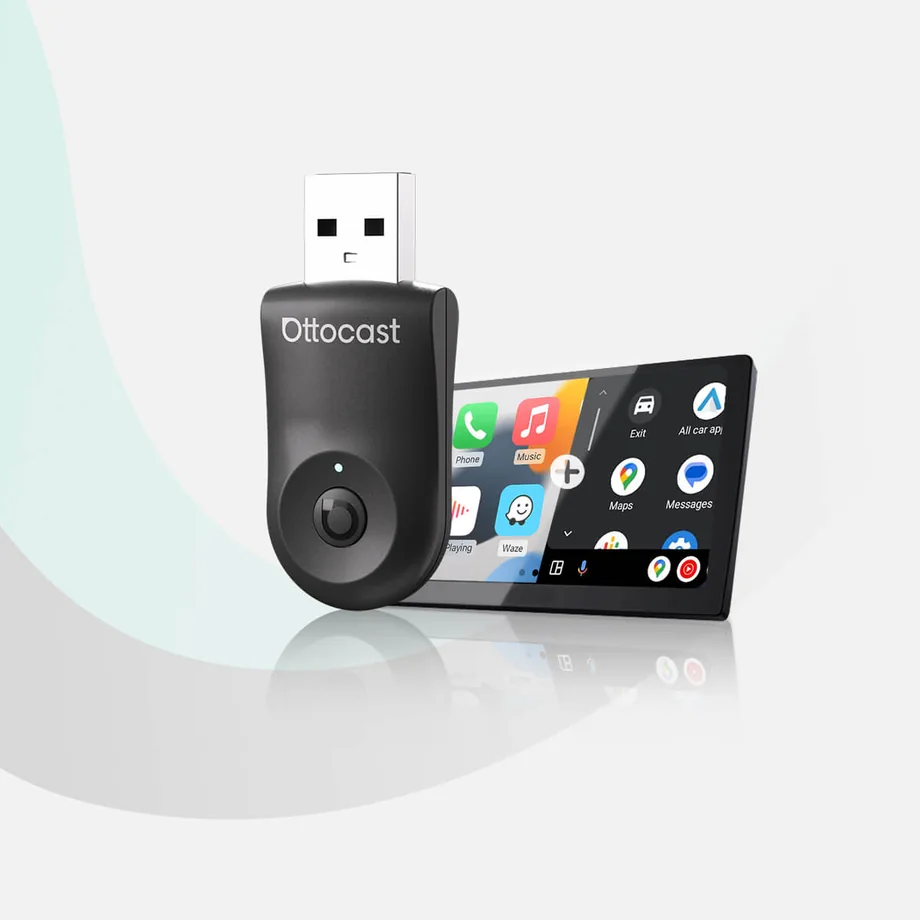 | Choose this for a cable-free version of a phone projection setup you already use. | Test wired projection with your own phone in the car’s data port and check your head unit against the compatibility list. |
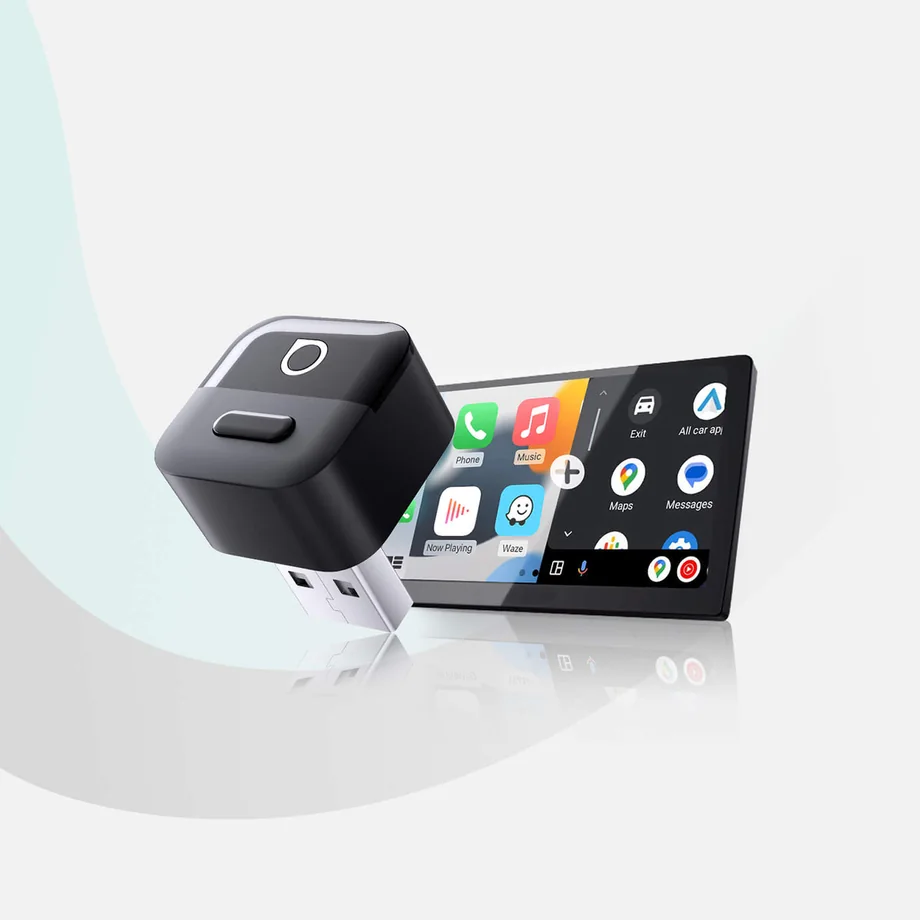 | Consider this compact model for an iPhone and a car that already supports wired CarPlay. | Check port clearance, connector type, and phone support for the exact ASIN. The source records a separate two-platform Mini Pico variant. Android Auto support is unconfirmed for this ASIN. |
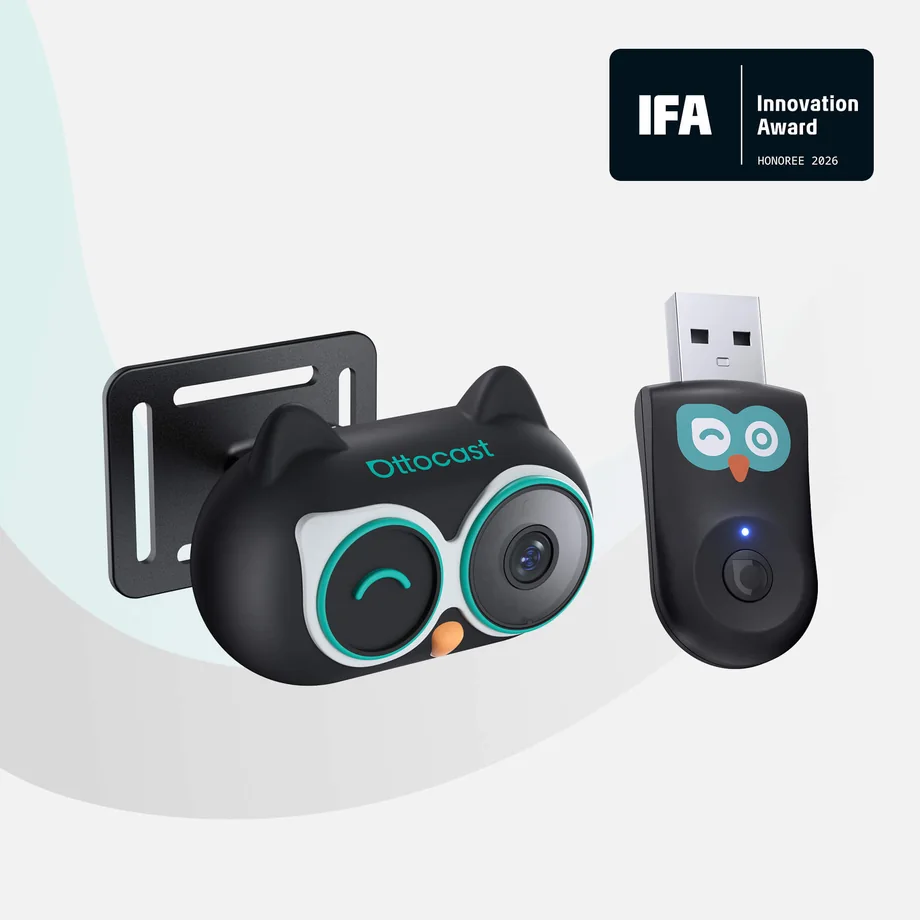 | Choose the camera bundle if seeing the rear seat on your car display is the reason for upgrading. | Confirm the camera and mount are included, then check head-unit compatibility and cable routing. |
| Listing | When to consider it | What to check |
|---|---|---|
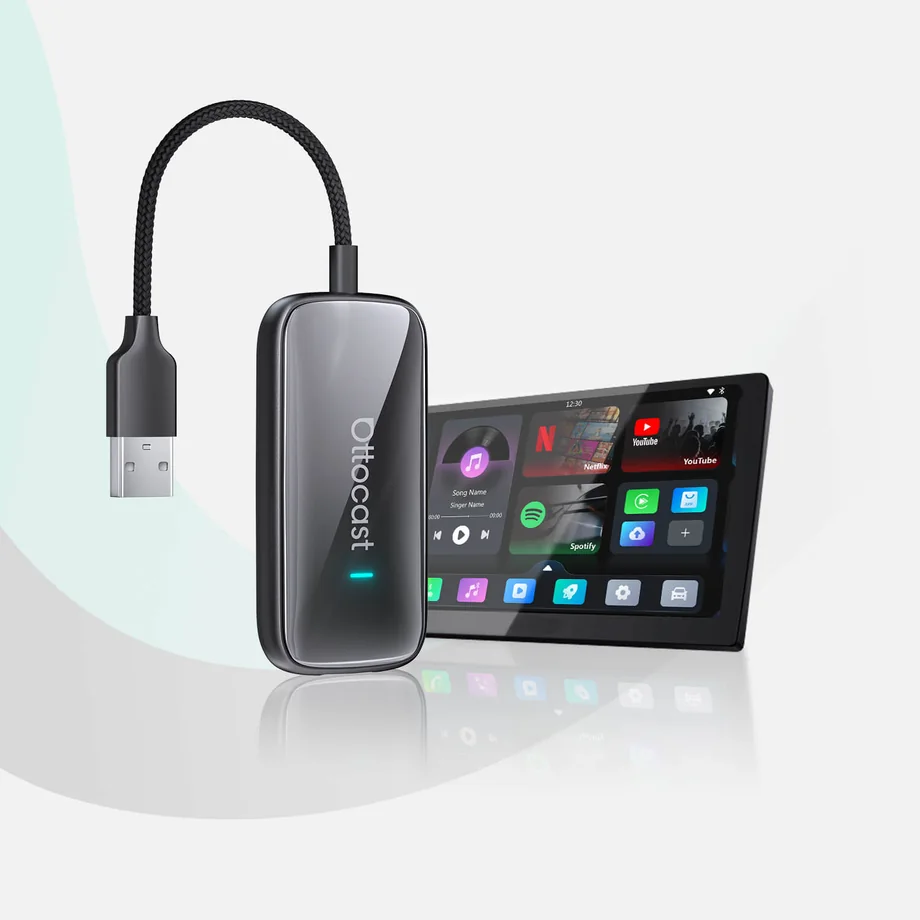 | Shortlist this if you want phone projection and parked multimedia in one adapter. | Check the supported app list, network requirements, and original wired projection support. Keep video use to when parked. Check the exact Ultra listing and included apps. Similar Ultra listings appear in the source catalog. |
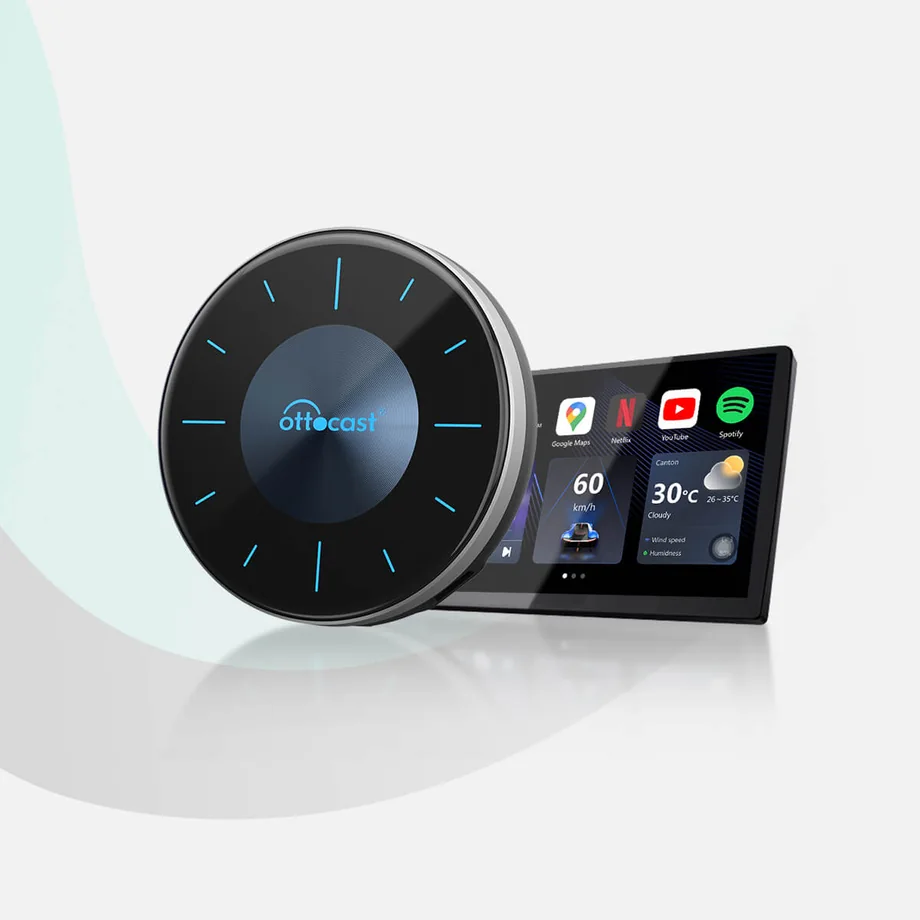 | Consider this Android 12 box if in-car apps and a broader parked multimedia setup matter to you. | Check the factory wired CarPlay requirement, exact data package, and app support. Keep video use to when the vehicle is safely parked. The P3 family includes different data bundles. Confirm the included plan and box contents before purchase. |