Comparison guide
Diagnostic tools and car modules
Start with the vehicle and module. Phone-based reading suits occasional checks, while dedicated screens can suit repeated use. The AFM/DFM module belongs to a separate job from code reading or active diagnostics.
| Listing | When to consider it | What to check |
|---|---|---|
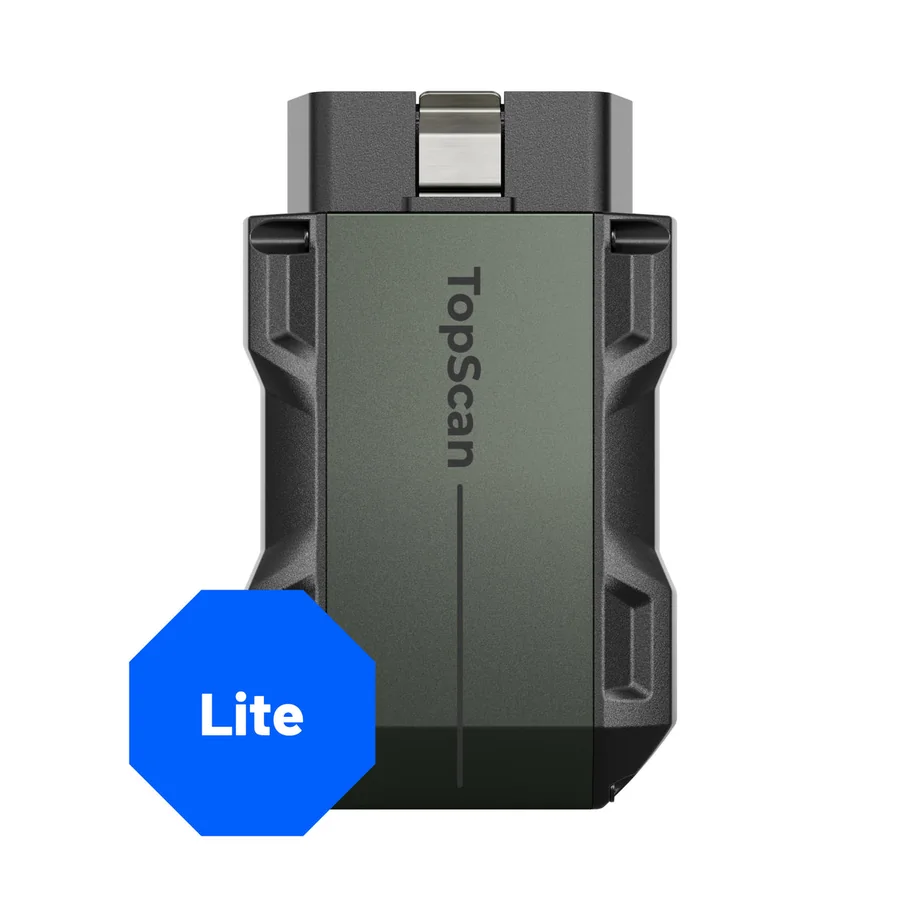 | Pick this as a starting point if you want to read vehicle data from a phone and need a compact OBD2 device. | Check vehicle, app platform, module, desired function, and current renewal terms against the coverage tool. |
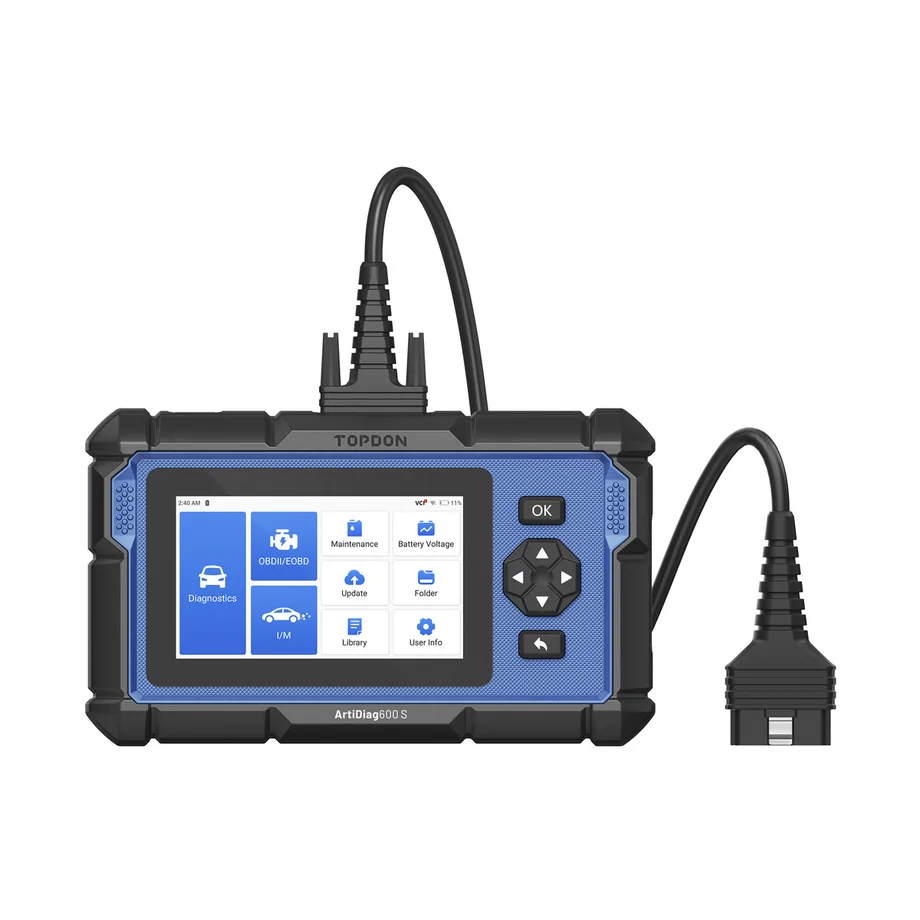 | Use this as a shortlist candidate if the engine, ABS, airbag, or transmission systems cover your needs. | Check which modules and reset procedures apply to your vehicle rather than relying on the generic system list. |
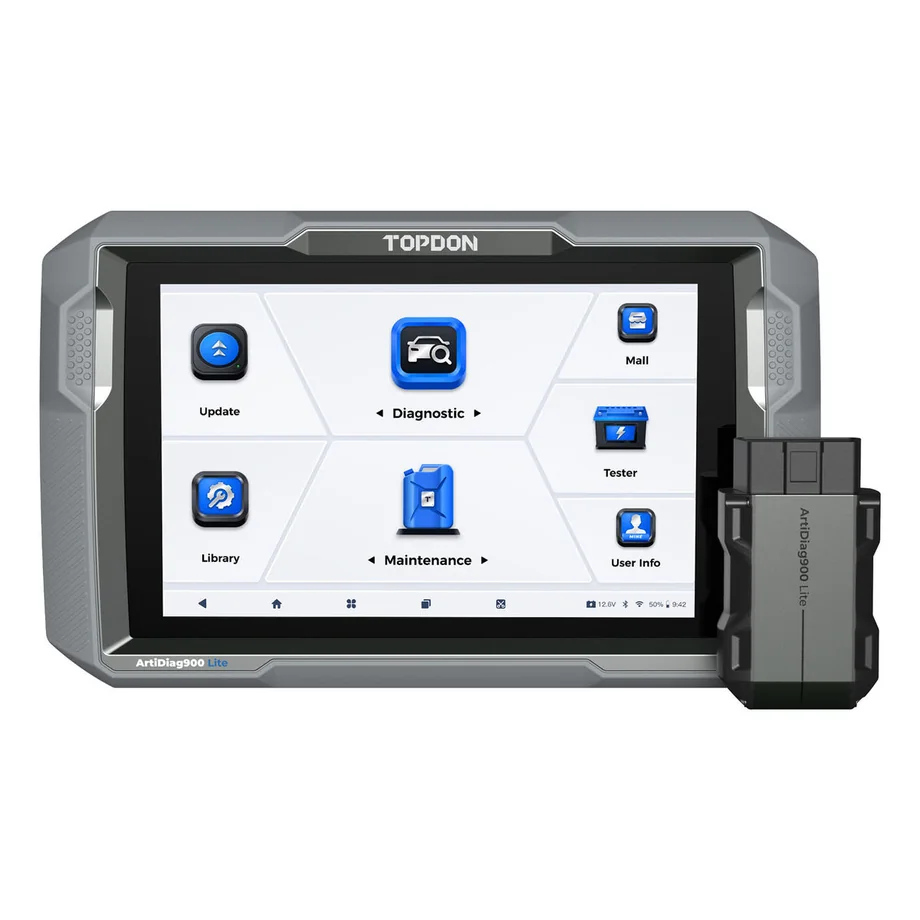 | Compare this first if an on-tool display and listed bidirectional diagnostics are central to your workflow. | Check the intended test in the coverage list and confirm update terms and included connectors. |
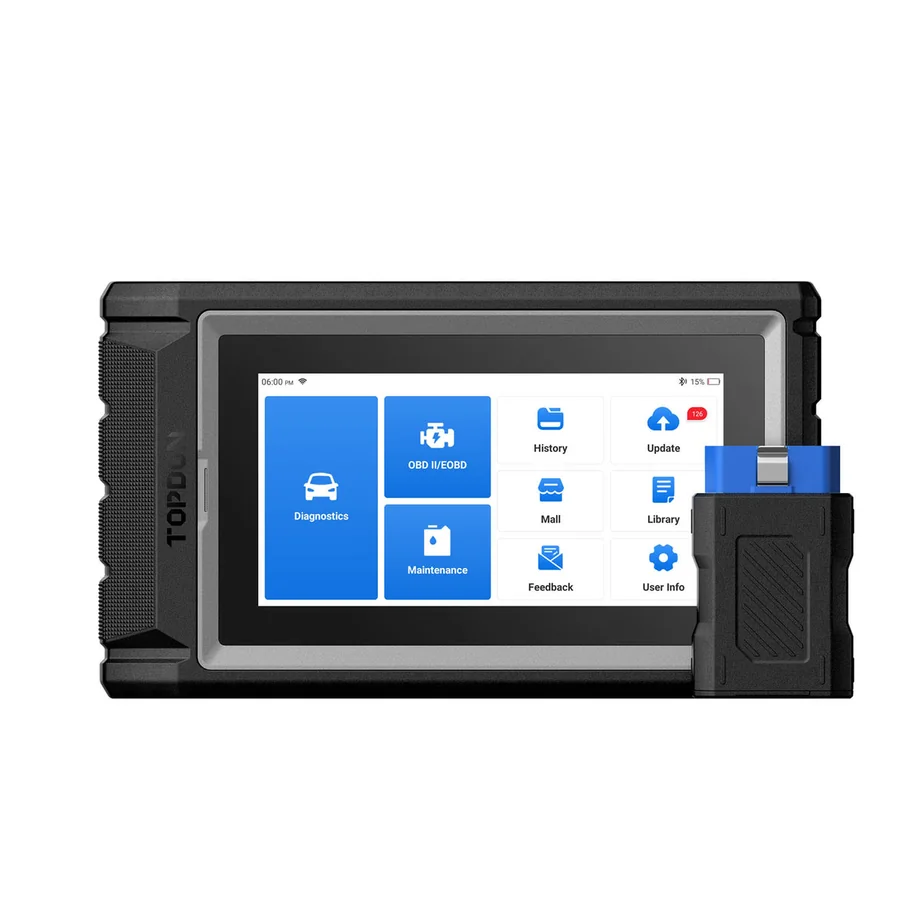 | Consider a wireless vehicle interface if moving around the vehicle while reading the tool is a priority. | Check the exact hardware edition, adapter and year/make/model/module coverage. The source identifies the listing as AD800BT 2 and records a separate AD800BT V2.0 ASIN. Confirm the edition and package. |